the-sitting-myth-posture-chair-ergodirect
Ergonomics,

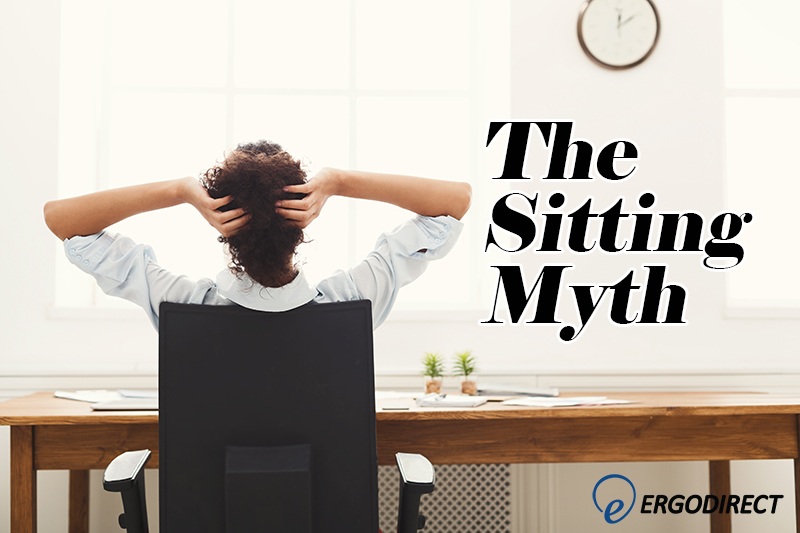
The Sitting Myth

People spend more time sitting than anything else – even sleeping! For an activity that makes up a majority of our conscious lives, we tend not to think much about it. When looking at a new office chair, it’s hard to know exactly what to look for. There’s a wide
most-recommended-gaming-chair
Ergonomics,

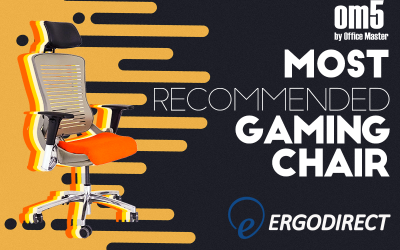
OM5 – Most Recommended Gaming Chair

At ErgoDirect, we know that the OM5 is the best gaming chair on the market but we wanted to let other people chime in with their opinions. We have been overwhelmed with the recent positive responses about our OM5 gaming chair. PC Gamer Show – Guide to Gaming Chairs (Feb

How to adjust sit-stand desk converters for petite users
Ergonomics,

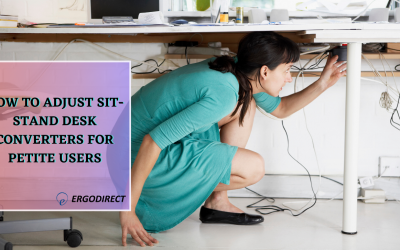
How To Adjust Sit-Stand Desk Converters For Petite Users 2020

Our founder, Nick Moshiri, comes across ergonomic concerns frequently. The most recent was when he went to his bank. Here the teller helping him was petite and the counter behind which she was working was too high, her neck uncomfortably stretched up, shoulders up close to ears and elbows bent

ergonomic-laws-in-california
Ergonomics,

Ergonomic Laws in California

California businesses are required to meet the health and safety requirements of both OSHA, and the California Ergonomics Standard. Of the two, California law is much more strict, and potentially much more expensive. The Federal OSHA standard is vague, “An employer has an obligation under the General Duty Clause, Section

unique-standing-desk-converter-workfit-tle
Ergonomics,

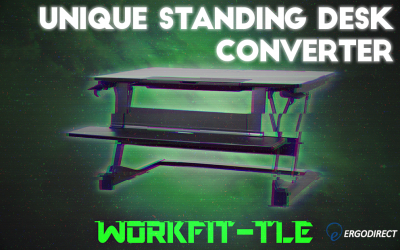
Unique Standing Desk Converter – WorkFit-TLE

In recent years, the number of options for standing desk converters has skyrocketed. These converters require no assembly – just place them on your desk and you’re ready to seamlessly switch between sitting and standing. With so many options though, which one’s the right one for you? Our recent blog will

which-desk-converter-right-for-you
Ergonomics,

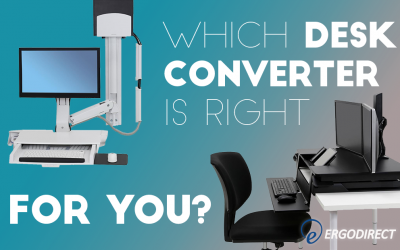
Which Desk Converter is right for you?

The number of desk converters available in the market is increasing almost everyday. Because of the economical price point, desk converters prove to be an affordable entry into ergonomics market. First convert your existing desk to a standing desk with a desk converter and then move onto other ergonomic products

how-to-reduce-eyestain-while-gaming
Ergonomics,

How to Reduce Eye Discomfort While Gaming

Have you ever been forced to leave or stop playing a game, or even seek medical assistance for gaming injuries? Common gaming strains include dry eyes, headache, blurred vision, neck and shoulder pain, tired eyes, red eyes, sensitivity to light, and twitchy eyes. Whether you’re playing on a TV, computer,

how-to-choose-monitor-stand
Ergonomics,

What to Keep in Mind When Choosing a Monitor Stand

A monitor stand is your entry into ergonomic products especially if you are looking for an economical price point.  A simple, no-mounting free-standing installation is another advantage. Place it directly on your tabletop (no drilling required), attach a monitor and you are good to start work.        

4-benefits-multi-monitor-mounts
Ergonomics,

4 Benefits of Multi-Monitor Mounts

Is your neck sore from staring at your monitor in the same position for hours? A monitor arm or mount could help. Monitor arms, mounts, and stands are flexible, allowing you to make ample adjustments and re-adjustments to the height and tilt of your screen, rather than being bound to

6-ways-point-of-sale-mounts-can-work-for-you
Ergonomics,

6 Ways Point-of-Sale Mounts Can Work For You

A Point-of-Sale mount lets you place technology exactly where you need it with convenience, style, and security. Point-of-Sale (POS) mounting solutions are ideal for monitors and tablets that work as checkout or signature-capturing devices, price check stations, or display screens in restaurants,  retail stores, libraries, or other customer-facing industries. Use