Contour Design CMO-GM-WL Contour Mouse Wireless
This product has been discontinued.
Description
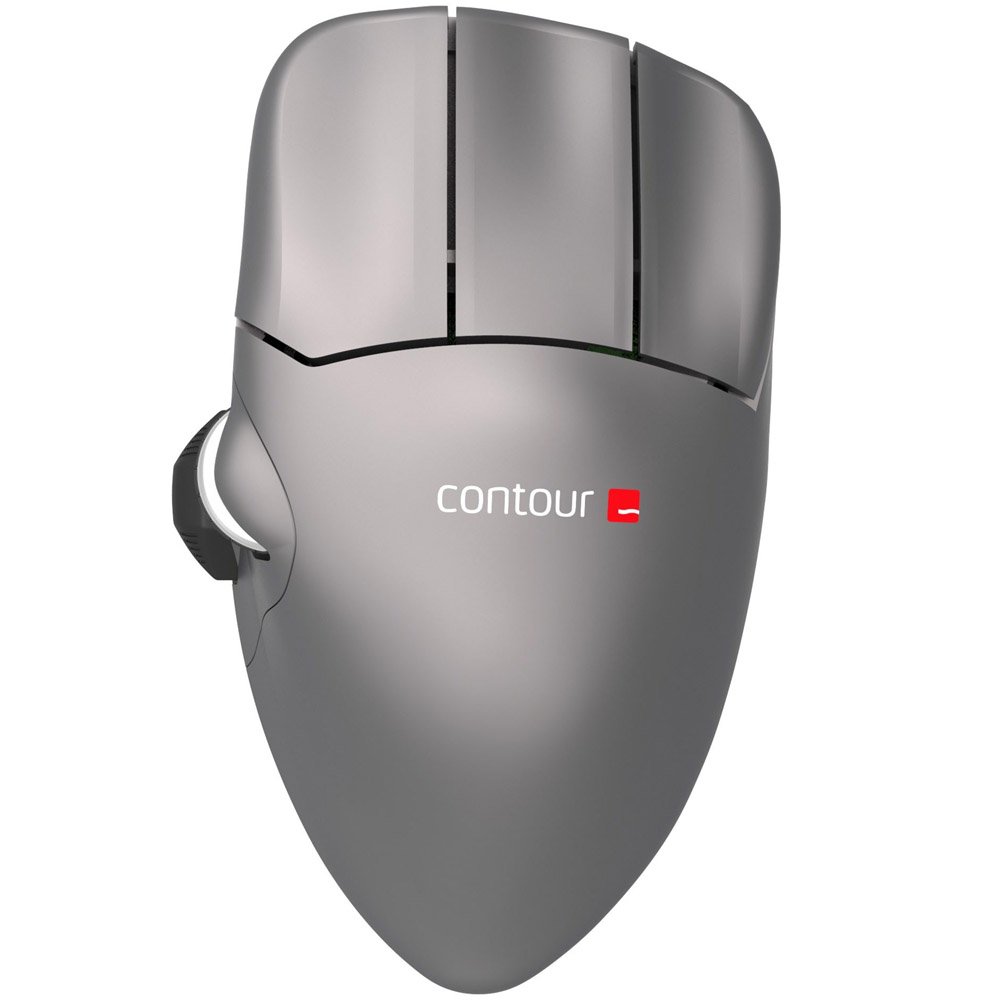
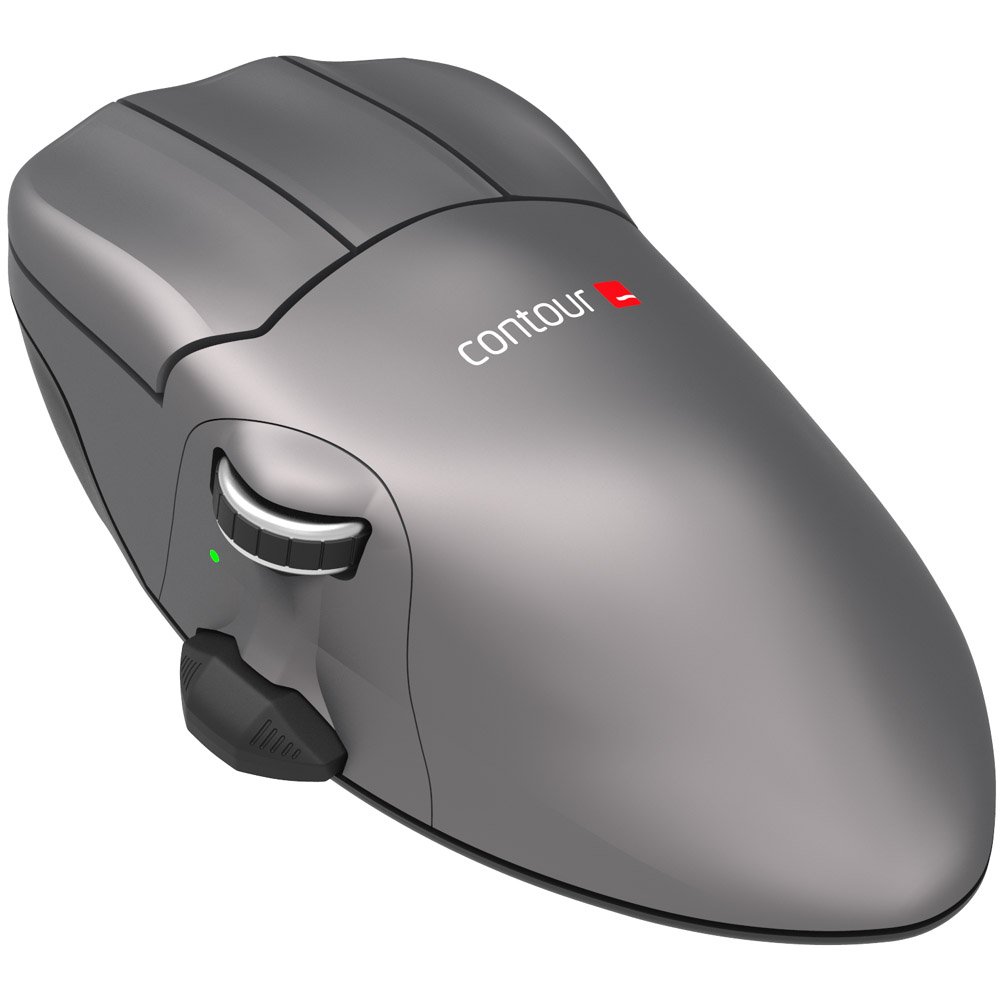
The Contour Mouse has been our flagship mouse for over 20 years. Now
you can enjoy the same benefits of the world’s finest ergonomic mouse
with a newly designed scroll wheel and thumb rest, all new cursor speed
selections and a state of the art sensor for added precision.
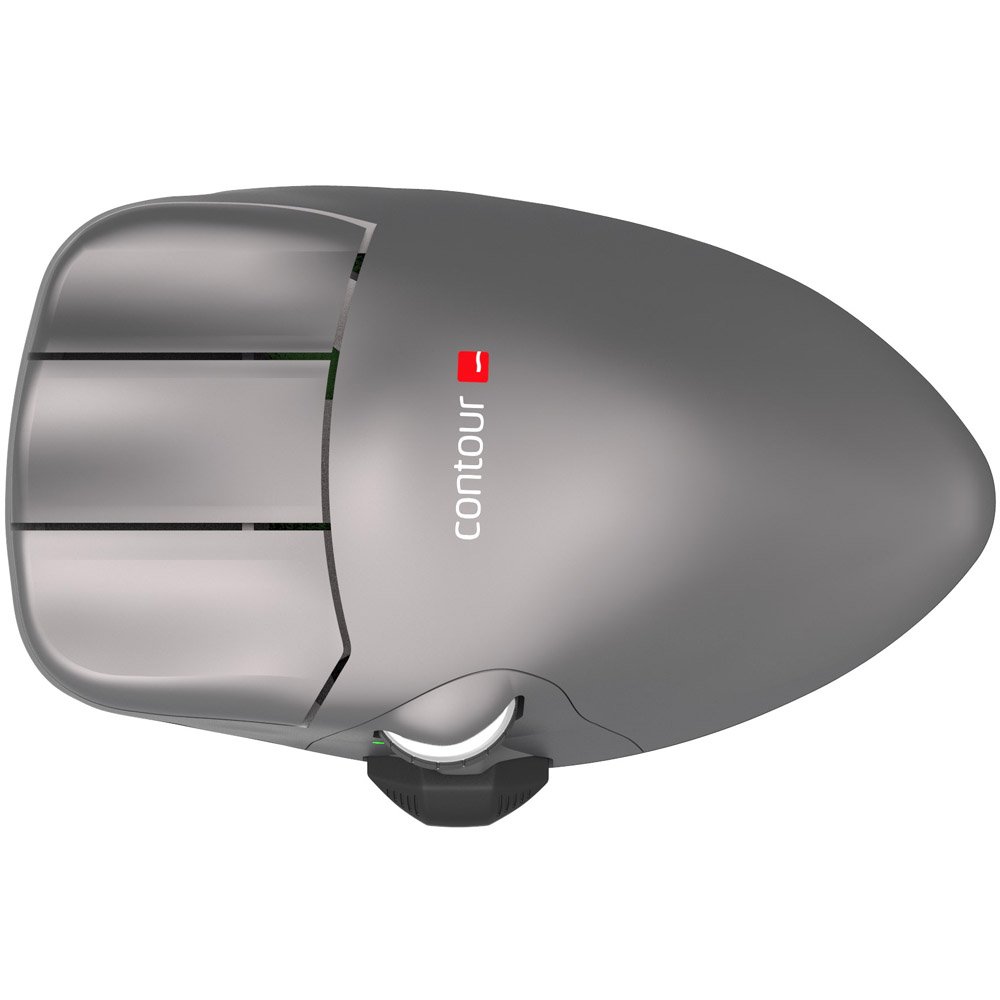
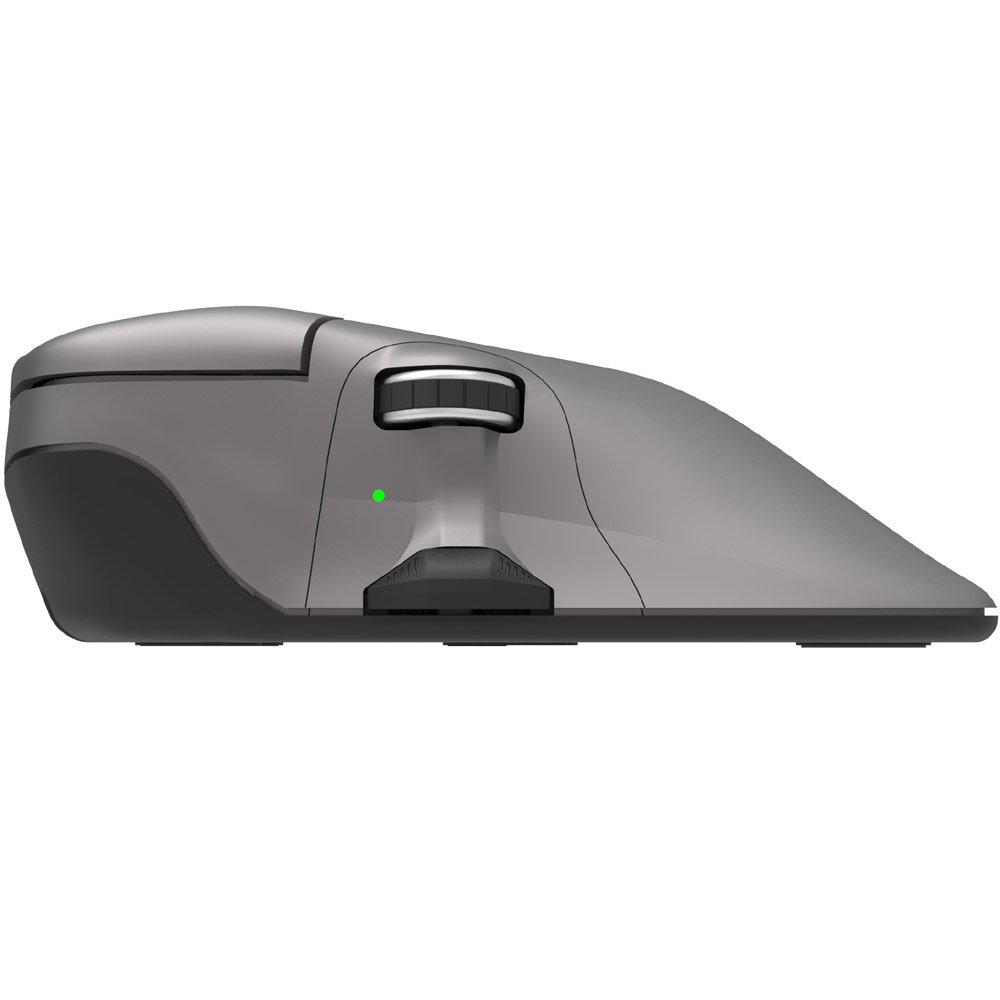
The Contour mouse was carefully designed with a slight pronation angle of 17 degrees and features a neutral tilt to relieve pressure on the forearm, opening the carpal tunnel and minimizing grip force. The pronounced arch and elevated, elongated buttons allow you to relax your hand on the mouse while providing a better mechanical advantage and encouraging posture variation. This allows you to work more productively and eliminates harmful gripping and pinching postures that can cause pain and lead to repetitive strain injuries (RSI).
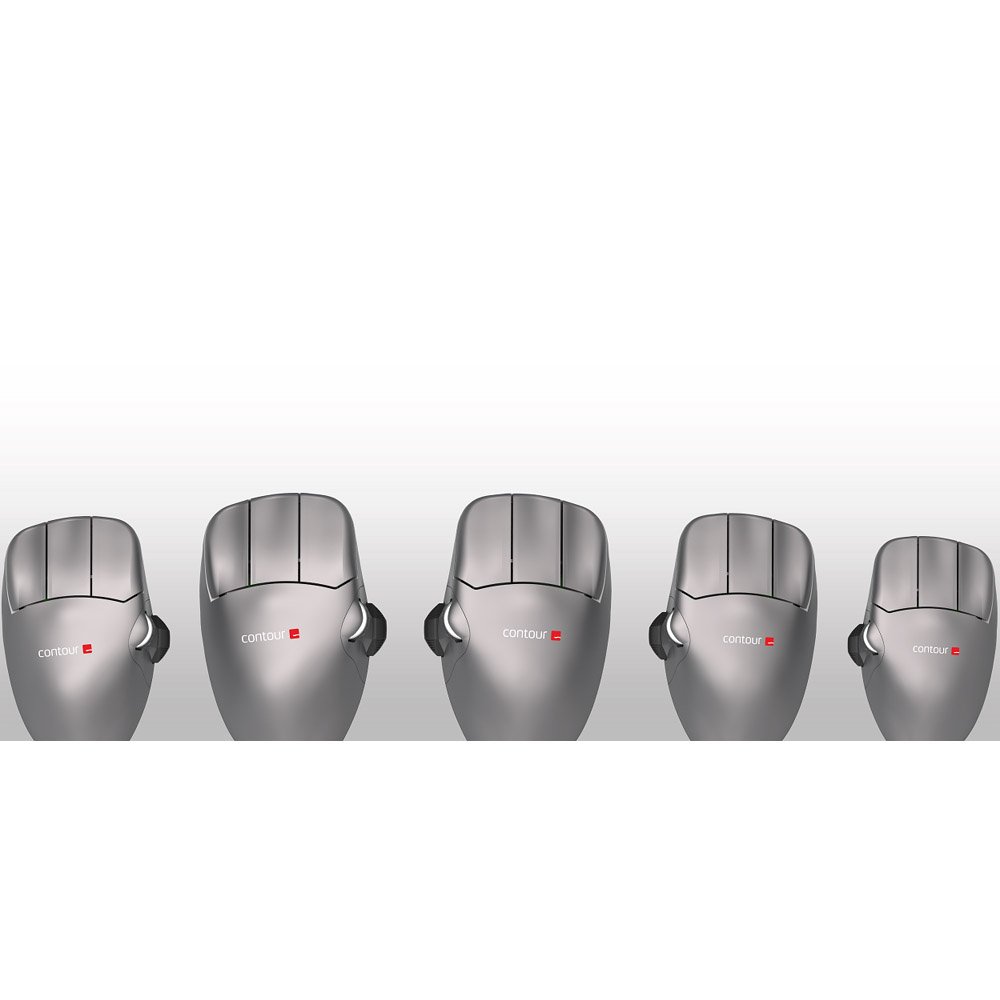
The Contour Mouse is available in three right handed sizes (s, m, l) and
two left handed sizes (m, l), so there’s a Contour Mouse for just about
anyone.
| Length | Your Size | Right Hand Version | Left Hand Version |
| 19-21 cm (7.5"- 8.25") or above | L | X | X |
| 17-19 cm (6.75"- 7.5") or above | M | X | X |
| Under 17 cm (6.75") | S | X |
Specifications
| Weight | 2.0 lbs |
| Dimensions | 8.5 x 4.5 x 2.5 in |
| Dexterity | Left, Right |
| Size | Small, Medium, Large |
| Buttons | 5 programmable buttons |
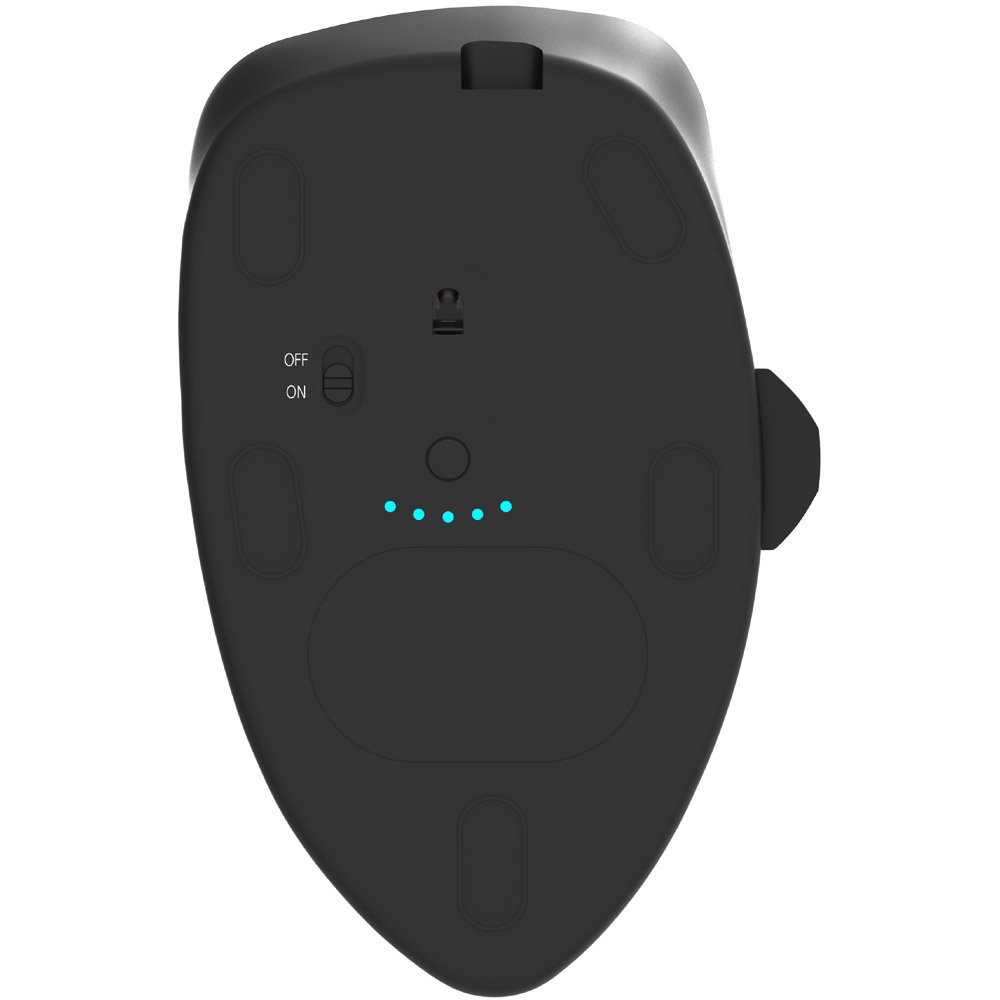
| Wireless | 2.4Ghz wireless technology |
| Charging Time | 2 hour charge time |
| Battery Life | 3 Months on a single charge |
| Cursor Speed | 800, 1000, 1200, 1400, 1600, 1800, 2000, 2200, 2400, 2800 |
| Sensor Type | Pixart PMW3330, IR |
| Operational Distance | Up to 25 feet |
| Operating System | PC, Mac |
| Driver | Plug and Play. Optional driver for button customization. |
Features
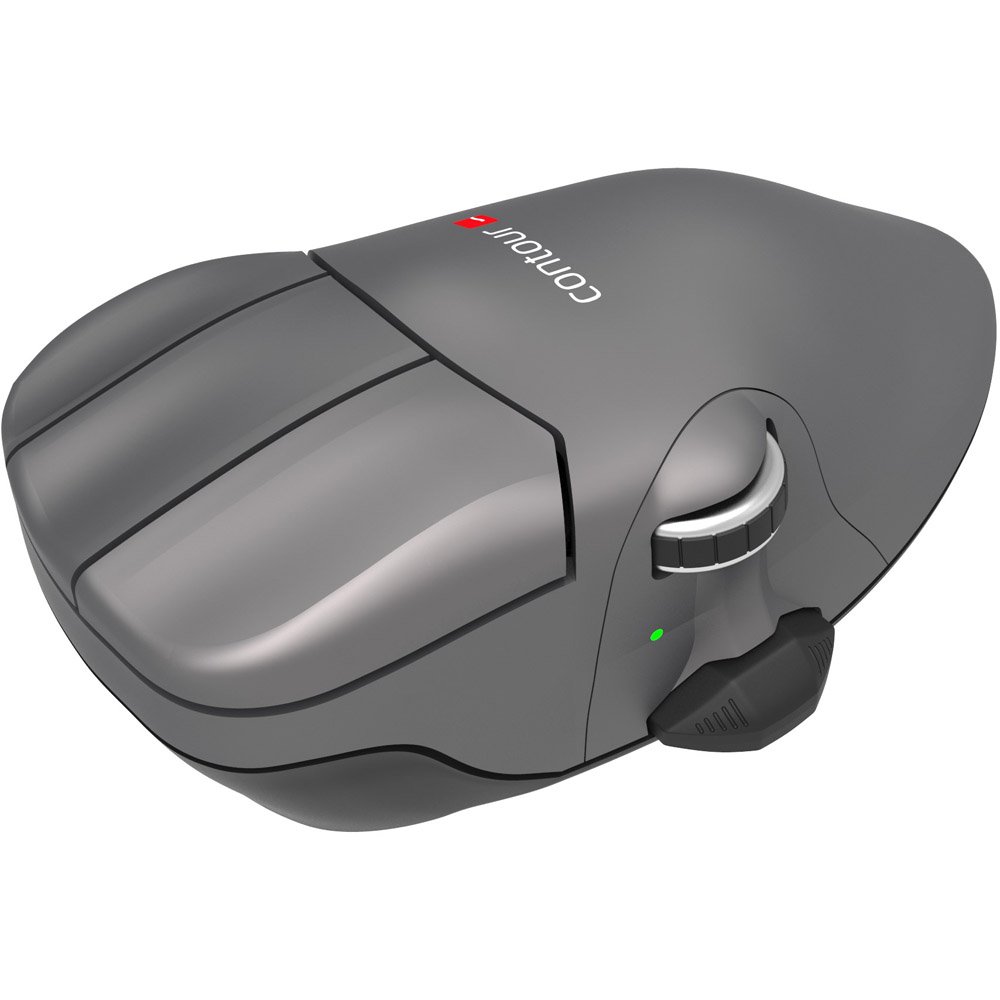
Made for you - A pronounced arch on the top of Contour Mouse supports your hand from underneath, allowing you to rest it on top of the mouse. Elongated buttons allow you to use the second knuckle of your finger to click, as opposed to micro movements associated with clicking from your fingertips. Contour Mouse offers a proper, full-size third button for the double click function. Your thumb rests naturally on the side of the mouse, between the scroll wheel and a rocker switch. Contour Mouse is optimal for localized injuries to the wrist and hand and allows you to move the mouse with the full lower arm.
Technology moves fast, but our hands don’t change - Three right handed and two left handed sizes ensure that you will find a Contour Mouse that fits your hand perfectly. This prevents behavior that can aggravate the hand and wrist, which can result in repetitive strain injuries (RSI). When you find the mouse size that truly fits your hand, you increase both comfort and control.
The right angle - Our design team concluded that a slight pronation angle of 17 degrees was the perfect balance of ergonomics and productivity. The neutral tilt of Contour Mouse relieves pressure on the forearm, opening the carpal tunnel while minimizing grip force.
Find your size - Your hand should be able to rest upon Contour Mouse and support your full palm from underneath. To find your perfect size, you should measure the length from the tip of the middle finger to the first crease of the wrist
Frequently Asked Questions
No FAQs available for this product. Have a question? Ask us!
Product Information
- Model CMO-GM-S-R-WL, CMO-GM-M-R-WL, CMO-GM-M-L-WL, CMO-GM-L-R-WL, CMO-GM-L-L-WL
- Manufacturer Contour Design
- Part Number CMO-GM-S-R-WL, CMO-GM-M-R-WL, CMO-GM-M-L-WL, CMO-GM-L-R-WL, CMO-GM-L-L-WL
- Weight 2.0 lbs
- Dimensions 8.5 x 4.5 x 2.5 in
- Dexterity Left, Right
- Size Small, Medium, Large
- Buttons 5 programmable buttons
- Wireless Range 2.4 Ghz wireless technology
- Charge Time 2 hours
- Battery Life 3 Months on a single charge
- Cursor Speed 800, 1000, 1200, 1400, 1600, 1800, 2000, 2200, 2400, 2800
- Sensor Type Pixart PMW3330, IR
- Operational Distance Up to 25 feet
- Operating System PC, Mac
Be the first to share your thoughts on this product!