
Open Box Standing Desk Converter, Ergotron 33-349-200 WorkFit-S Dual Monitor with Worksurface


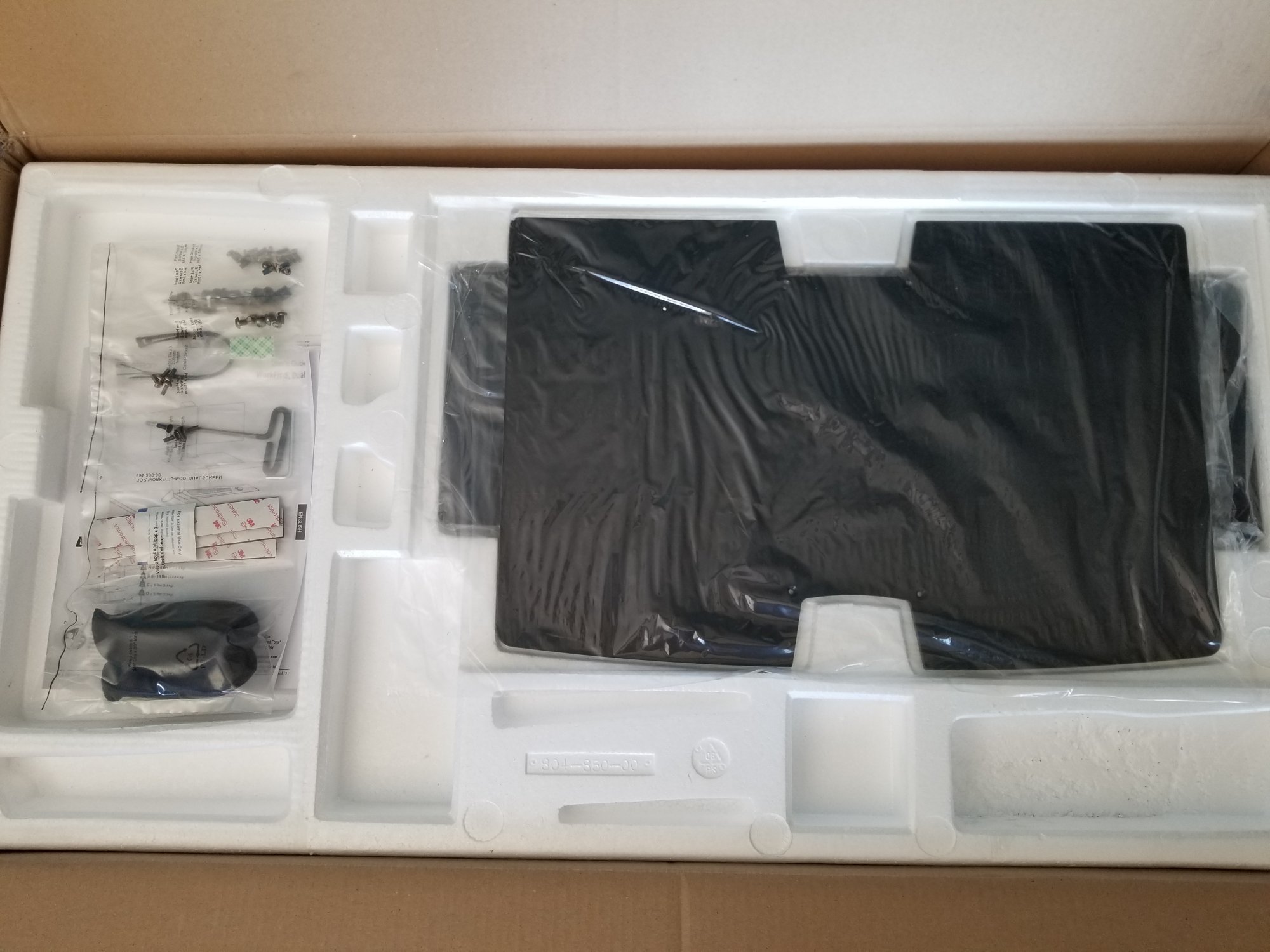
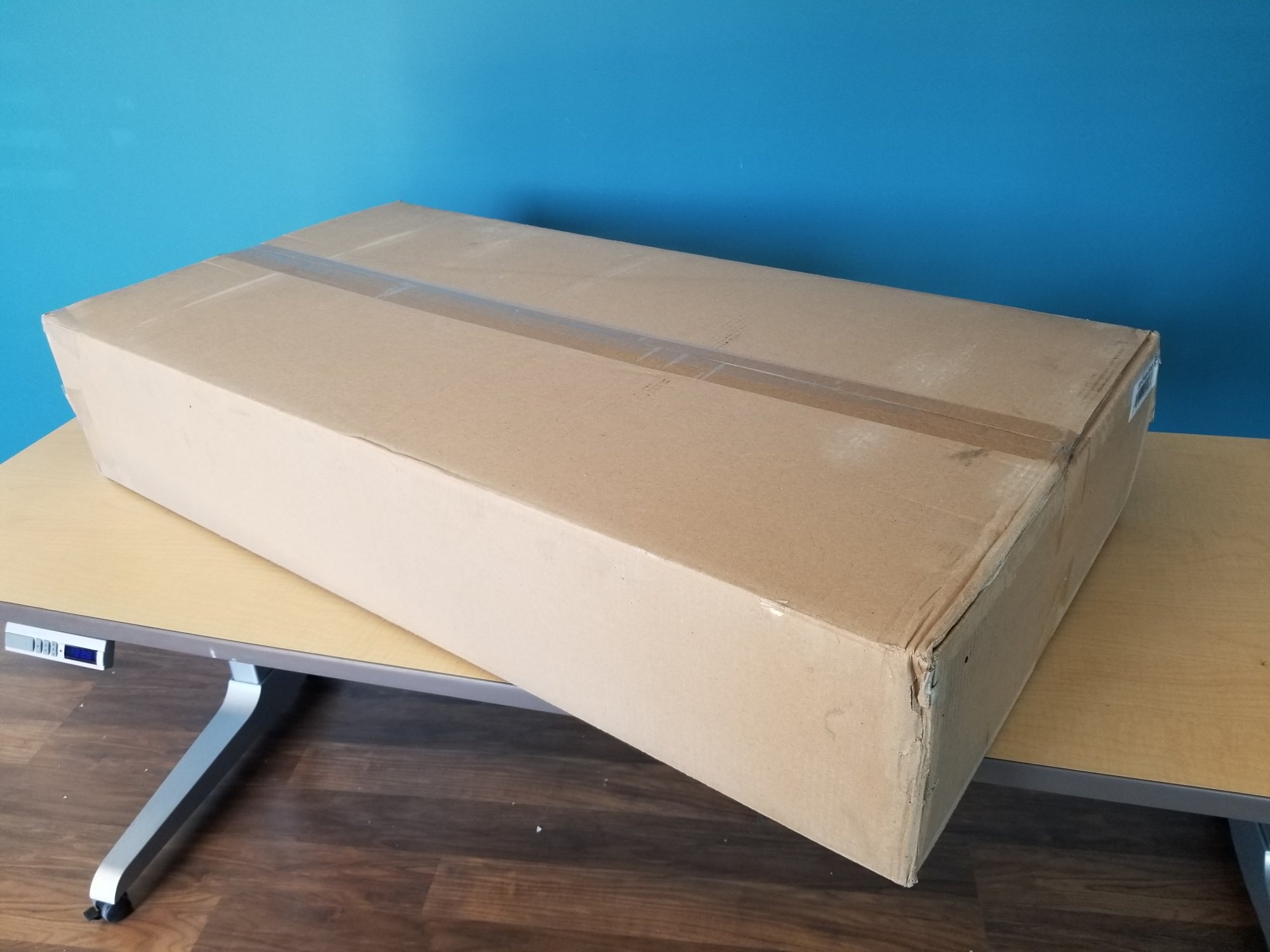

Description
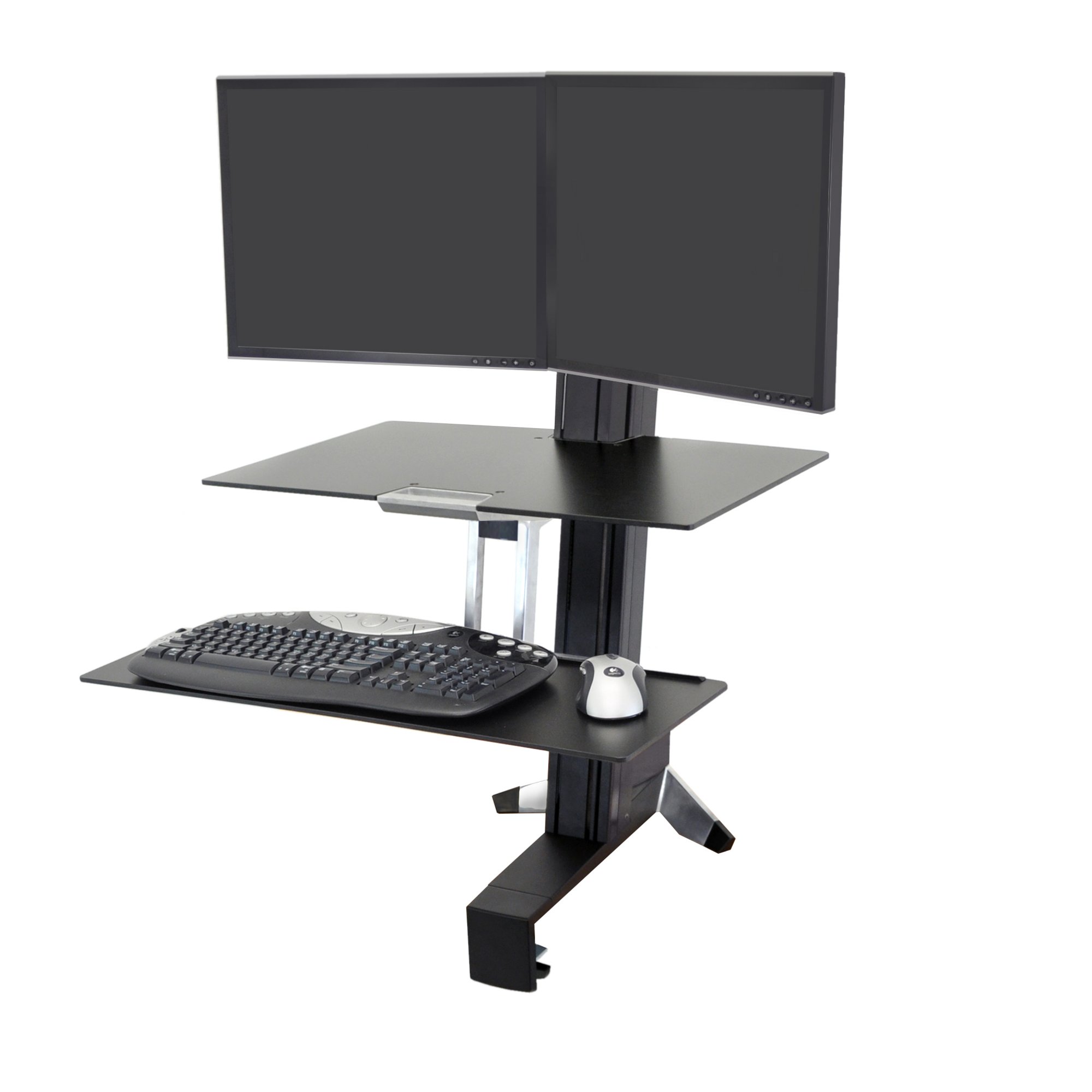
What makes Ergotron 33-349-200 the most popular sit-stand desk converter? Ergotron 33-349-200 workstation comes with dual benefits - it lets you alternate between sitting and standing at work, and even has the option for two displays. Both these benefits together can provide ergonomic relief as well as increase in productivity. This workstation is easy to install and attaches to the front of the desktop.
This workstation's height adjustment assembly can handle a maximum load of 25 lbs. That includes weight of 2 monitors, worksurface and keyboard tray.
Convert any surface into an adjustable-height standing desk with the attachment of the WorkFit-S. Make computing comfortable for prolonged periods - stand up whenever you want.
This sit-stand workstation is extraordinarily simple to use. With the push or pull of a hand, you can instantly raise or lower your keyboard and display in one easy motion, yet all the while the system will remain stable throughout your work routine.
Please note that depth adjustment for monitors is not possible in this WorkFit-S. Two monitors are fixed on a horizontal crossbow. However you can buy an adjustable tilter, which allows monitors to tilt up and down and side to side but there is no depth adjustment.
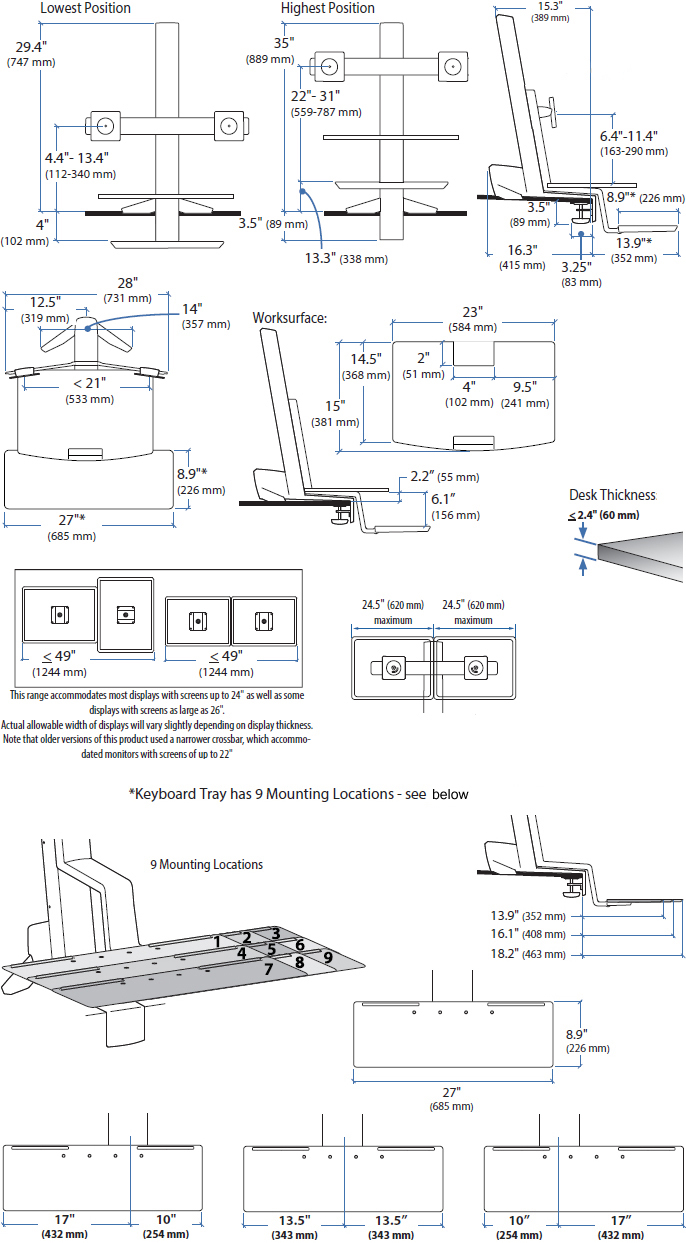
Technical Drawing
Technical Specifications
 |
 |
 |
 |
 |
 |
 |
| Screen | Capacity | Lift | Tilt | Pan | Rotation | VESA |
| Up to 24" |
Up to 25 lbs 11.3 kg |
22.8" 57.9 cm |
- | - | 360° | MIS-D |
Product Information
| Part Number | 33-349-200 |
| Description | WorkFit-S Sit-Stand Workstation for Dual Displays, with Worksurface and Large Keyboard Tray (black) |
| Includes |
|
| Width of Display |
Maximum outside width of display is 24.5" (62 cm) when display is 2" (5 cm) thick. Accommodates most displays with screen-size up to 24" as well as some displays with screens as large as 26". Actual allowable width of displays will vary slightly depending on display thickness. Note that older versions of this product used a narrower crossbar, which accommodated monitors with screens up to 22" |
| Weight Capacity |
Maximum total load on height-adjustment assembly = 25 lbs (11.4 kg). LCD weight = 6–12 lbs (2.7–5.5 kg) each, worksurface ≤ 5 lbs (2.3 kg), keyboard tray ≤ 5 lbs (2.3 kg). For proper operation the total weight of components when added together should not exceed 25 lbs (11.4 kg). |
| Lift Range | LCD and keyboard adjust 18" (46 cm) in tandem; LCD adjusts 4.8" (12.2 cm) independently; maximum LCD height adjustment = 22.8" (58 cm). The worksurface restricts the vertical travel range of the LCD lift pivot; height adjustment of LCD without worksurface is 5" (13 cm). |
| Install | Displays at 3° or 8° upward angle for optimized viewing conditions |
| Desk Clamp | Attaches to surface edge .47" to 2.4" (1.2 to 6 cm) thick |
| Keyboard Tray |
|
| Worksurface Dimensions | 0.25"H x 23"W x 15"D (6 x 585 x 380 mm) |
| Keyboard Tray Dimensions | 0.25"H x 27"W x 9"D (6 x 685 x 226 mm) |
| Exterior | Durable, easy-to-clean exterior composed of aluminium, high-grade plastic and powder coated painted steel |
| Mounting Standards | VESA FDMI MIS-D, 100/75, C (hole pattern: 100 x 100 mm & 75 x 75 mm) |
| Certified | This product is certified in compliance with indoor air quality standards defined by ANSI/BIFMA pertaining to emissions of VOC (volatile organic compounds) |
| NOTE |
|
| Shipping Dimensions | 8"H x 23"W x 44"D (20 x 58 x 115 cm) |
| Shipping Weight | 44 lbs (20 kg) |
| Warranty | Five (5) years |
Benefits
Premium Ergonomics
- Install keyboard tray at focal distance that is right for you: closer or farther; left, right or centered
- When sitting, lower your keyboard below desktop height to proper ergonomic position
- Independent monitor screen adjustment
- Easily and simultaneously lift keyboard and monitor to your height for unsurpassed comfort
- Counterbalanced adjustment points using patented Constant Force technology allow instantaneous, tool-free re-positioning while you work
For Computer Users
- Improve your energy and productivity by standing or sitting as you work, and then switch positions whenever you choose. This work style encourages healthy movement throughout the day
- Promote fitness and comfort as you compute, reducing potential back and neck pain by adding movement into your work routine in a truly ergonomic workstation
- Double your view and move it too! With two monitors you can save time by using multiple applications at once - eliminate toggling back and forth between documents and programs
- Burn more calories by choosing to stand for periods of your work-day; periodic standing also promotes greater bone density and better sleep at night. WorkFit-S counteracts an increasingly sedentary workstyle
For IT and Facilities Staff
- IT deployment friendly - convert most work areas into a productive and complete computer workstation in minutes
- Modify existing office spaces or cubes by simply clamping a WorkFit-S on an existing worksurface, without the cost of expensive professional installers
- Safe and neat routing of cables
- Flexible, open-architecture design is scalable for future computer equipment
For HR/Risk Management and Company Cost Savings
- Manage the cost of healthcare premiums by promoting wellness in the daily work routine
- Provide standing work platforms for employees without having to buy expensive height-adjustable chairs
- Comfortable computing offers provable ROI on investment - healthcare costs associated with unhealthy computing and missed time are reduced while productivity increases
- Standing supports healthy neck and back conditions. According to the 2007 OE Medicine Journal, back and neck pain are cited as the most costly conditions affecting employees
- Studies show an average productivity increase of 20–30% when using two displays instead of one
- Studies in office ergonomics show productivity increases 12%–18% following an ergonomic intervention where employees are provided with well-designed ergonomic furniture
Frequently Asked Questions
No FAQs available for this product. Have a question? Ask us!
Product Information
- Model 33-349-200
- Manufacturer Ergotron
- Part Number 33-349-200
- UPC 698833022186
No reviews yet. Be the first to share your thoughts!