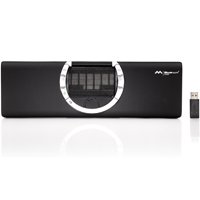
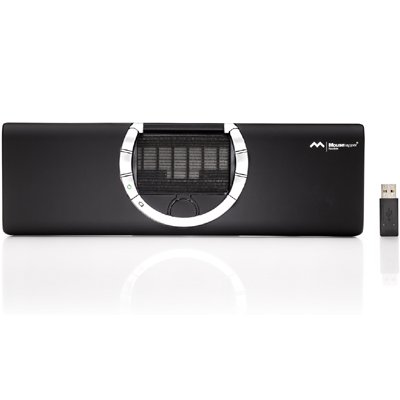
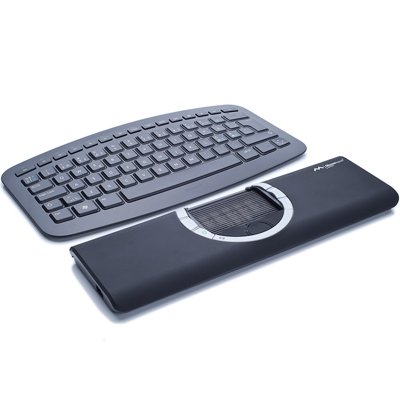
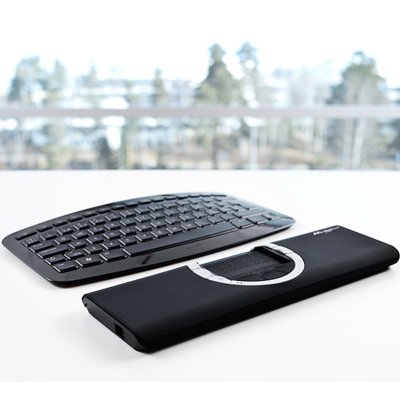
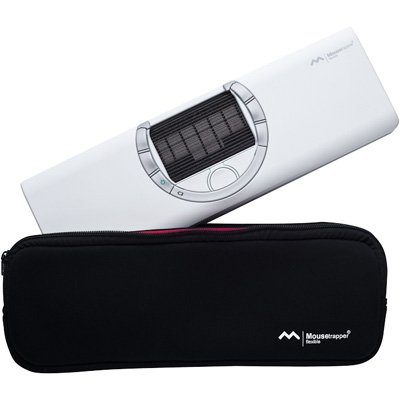
Mousetrapper Flexible MTF Lightweight Wireless Portable Computer Mouse

|
|
|
|
|
Features of Mousetrapper Flexible MTF:
|
|
|
|
|
|
|
|
|
|
|
|
|
|
|
|
|
-
Compatible with Windows 98 SE, ME, 2000, Vista, Win 7 and Mac OSX.
|
|
|
|
|
Buttons and Functions of Mousetrapper Flexible:
|
|
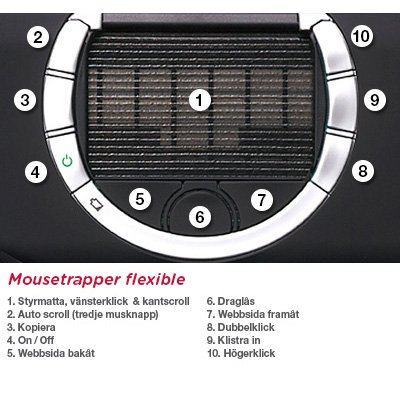
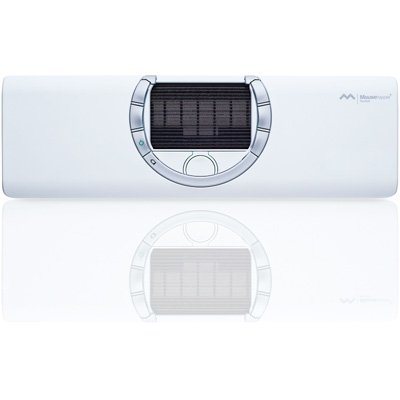
The Mousetrapper Flexible has 9 function buttons, one of which is a programmable on/off button. As on earlier models, the pad has click and scroll functions. The cursor speed can be adjusted by a control in the MT keys software.
There is a ridge between the buttons which prevents two buttons being pressed at one time, thus avoiding dual commands.

|
|
|
|
|
USB Port of Mousetrapper Flexible:
|
|
The USB port is located on the left side of the device. As on earlier models the cord features a USB connector at one end and a mini USB connector at the other.
This image shoes the placement of the dongle (USB receptor) and USB on the device viewed from the top. The USB receptor is located in a compartment on the right hand side of the device. The device is delivered with a USB receptor which has been matched to the individual unit. If the USB receptor is lost, a new receptor can be matched to the unit.

|
|
|
|
|
Wireless Feature of Mousetrapper Flexible:
|
|
The Mousetrapper Flexible features a radio transmitter (RF) which transmits signals to a receptor in the computer. The USB receptor must be connected to a USB port in the computer, after which the computer and the Mousetrapper will be able to communicate. The range of the radio transmitter is approx. 10 meters / 33 feet.

|
|
|
|
|
Description of Mousetrapper Flexible MTF:
|
|
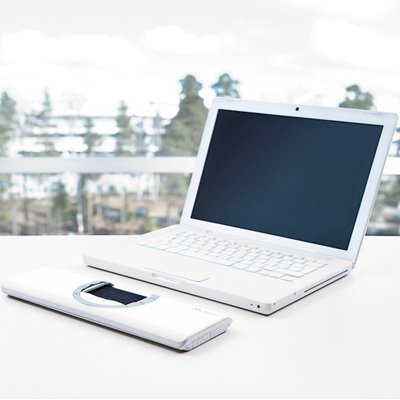
Our latest addition to the Mousetrapper family - small, lightweight, portable and wireless.
If you are a regular computer user you can encounter problems such as pain in your mouse using arm or shoulders and stiffness in your neck.1 One way of preventing this is to use a Mousetrapper, which is an ergonomic alternative to a standard computer mouse. A Mousetrapper gives you a more varied way of working with a computer, which reduces repetitive strain on your neck and shoulders. What’s more, the Mousetrapper can be controlled by either hand, which prevents and counters mouse arm syndrome. Mousetrapper is a 100% Swedish product with over 500,000 satisfied users today. It has been developed and is manufactured in Stockholm, Sweden.
What is Mousetrapper?
Mousetrapper is an ergonomic computer mouse which, through its design and functions, can assist in relieving and preventing repetitive strains in shoulders, neck and arms. Mousetrapper is an alternative to the traditional computer mouse and is available in several models and designs. The product is developed and manufactured in Sweden.
What does Mousetrapper do for you?
Mousetrapper will assist you in having a good ergonomic working posture with your arms centered in front of your body, which in turn will facilitate working with both hands and all fingers on the mousing pad.
|
|
|
|
|
Specifications of Mousetrapper Flexible:
|
Color:
|
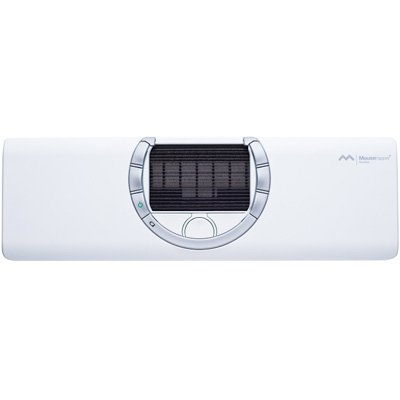
Black, Silver |
|
Measurements:
|
-
Product: Height: 19 mm/0.75 in, Width: 300 mm/7.5 in, Depth: 95 mm/3.74 in, Weight: 295 g/10.2 oz.
-
Box including product: Height: 40 mm/1.57 in, Width: 340 mm/13.39 in, Depth: 130mm/5.12 in, Weight: 535 g/18.87 oz. (including product, box and accessories)
|
|
Battery:
|
-
The devices comes with chargeable batteries installed.
-
The device comes with a cord for charging.
-
The device is charged by connecting the cord to a USB port on the computer.
-
The battery time is approx. 32 hours in uninterrupted active mode.
-
The battery lasts for approx. 1,5 – 2 months at normal use (30 – 60 minutes per day).
-
The battery has a charge of 700 mill ampere-hours.
-
In order to spare the battery, the device will automatically switch to sleep mode when not in use.
|
|
Sleep:
|
-
After 7 seconds the device switches its first power saving mode and consumes less power.
-
After 20 seconds the devices switches to its second power saving mode, in which it consumes even less power.
-
After 420 seconds (5 minutes) the devices switches to sleep mode, from which it takes the device 0.7 seconds to restart.
-
The device always switches to power saving mode in order to save battery time.
|
|
Reinforced Interior:
|
The interior of the device will be reinforced to allow users to drop it without it immediately breaking. |
|
Accessories:
|
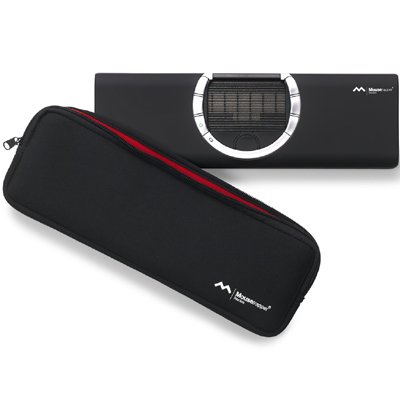
Forearm supports to the Mousetrapper Flexible are available. |
|
|
|
|
Literature (Please open the following documents for more technical information)
|
|
|
|
|
|
 - pdf - pdf
|
|
|
- pdf
|
|
|
- pdf
|