Ergonomic Mice
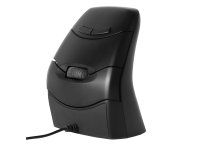
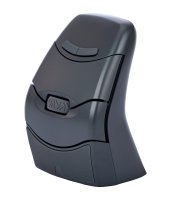
Ergonomic mice are designed to keep your hand and wrist in a natural, neutral position during mousing tasks and help reduce strain on the wrist, forearm, and shoulder.
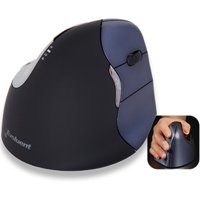
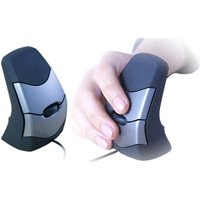
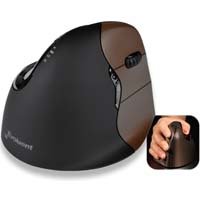
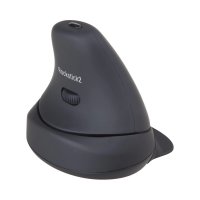
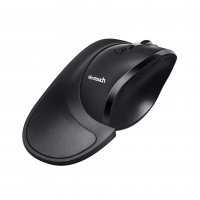
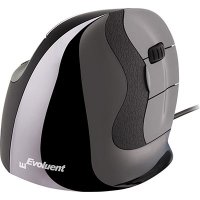
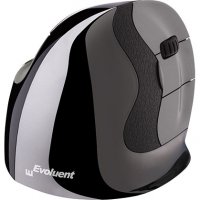
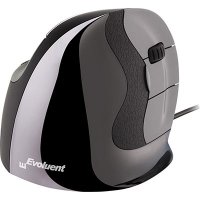
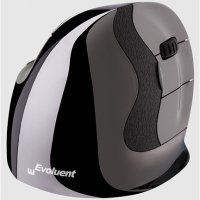
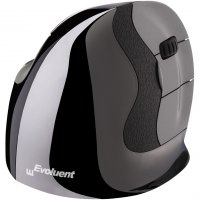
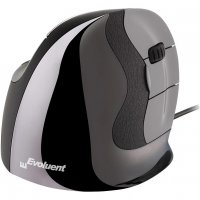
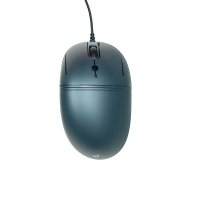
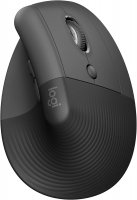
The natural resting position of the hands is alongside the body with the palms facing each other. Many ergonomic mice are designed to mimic this neutral posture by reducing forearm pronation and encouraging more natural wrist alignment. While using a standard mouse, your palm is facing the floor, with your thumb and pinky finger on either side of the mouse. This means your forearm rotates inward and the wrist may not be straight and unbroken.
Laptop users often position the touchpad directly in front of the body, which may require awkward wrist and shoulder postures during prolonged use. Using an external ergonomic mouse—or a keyboard tray large enough to position both the keyboard and mouse comfortably—can significantly improve posture and comfort.
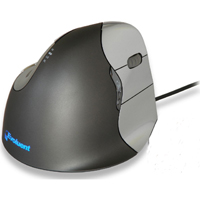
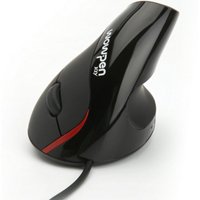
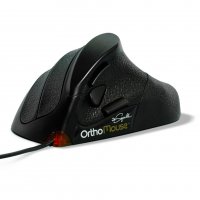
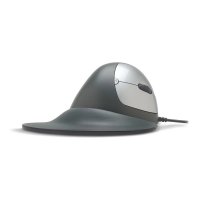
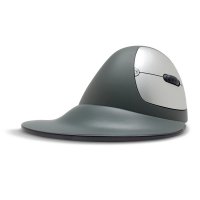
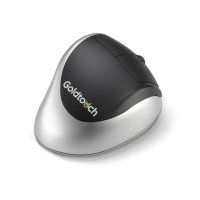
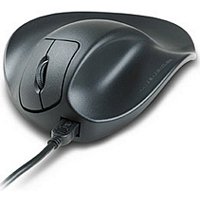
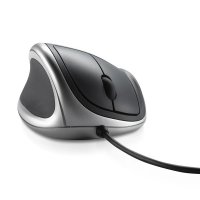
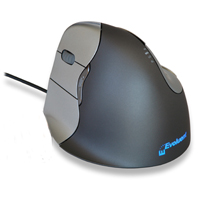
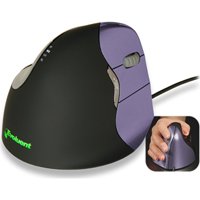
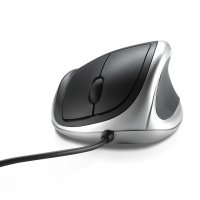
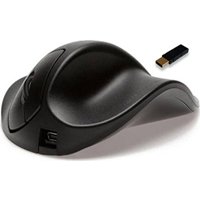
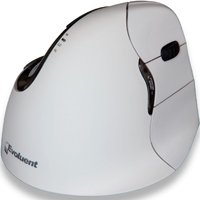
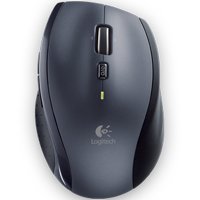
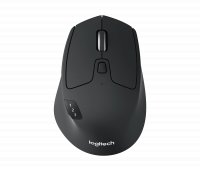
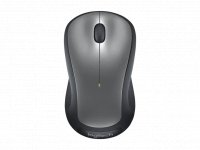
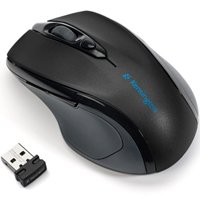
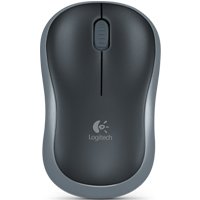
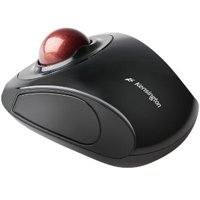
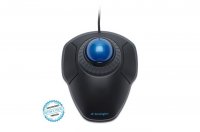
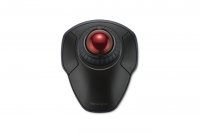
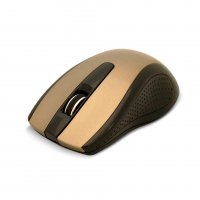
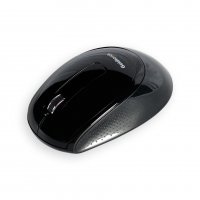
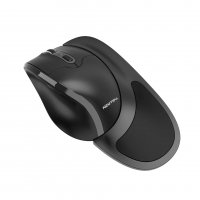
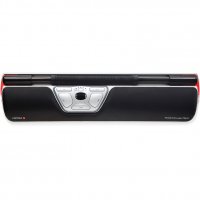
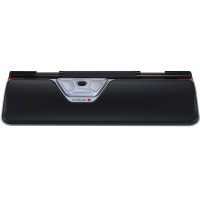
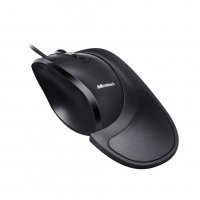
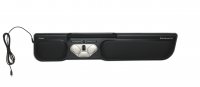
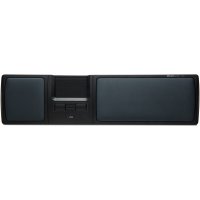
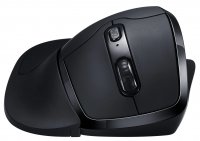
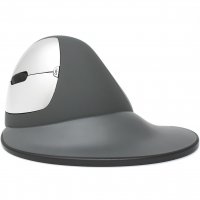
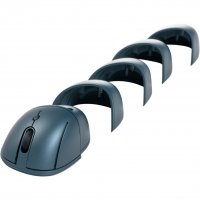
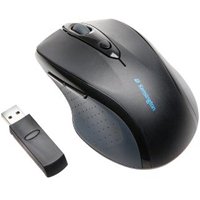
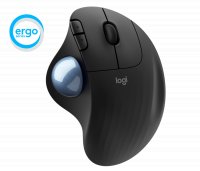
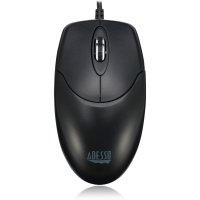
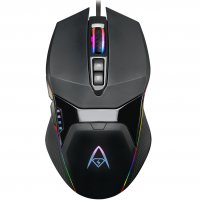
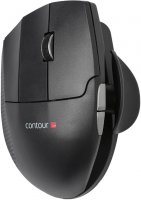
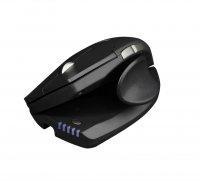
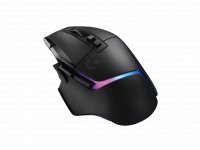
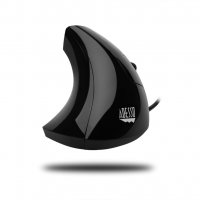
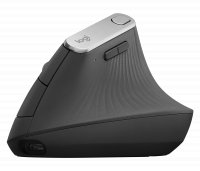
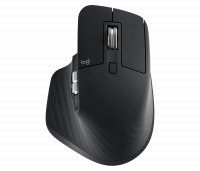
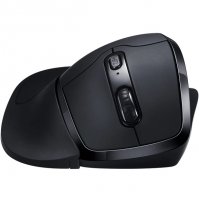
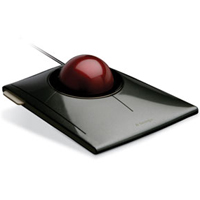
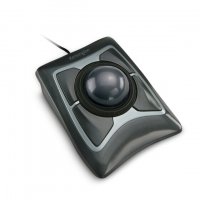
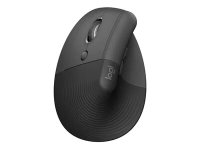
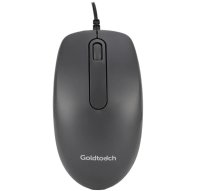
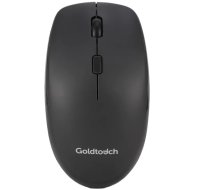
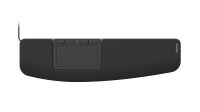
Nowadays, external mice are offered with a variety of different grips, and several shapes and sizes to better accommodate the unique hand size of the user. The best way to find the perfect mouse for you is to try out different mice to see which one best suits your hand’s natural resting position. You can choose from vertical, semi-vertical, trackballs, wired, wireless, bluetooth and left-handed mice.
Most computer users tend to use the mouse with their dominant hand which can cause pain over a prolonged period. We recommend dual, ambidextrous mousing. Using your computer mouse with your non-dominant hand part of the day can help distribute repetitive movements between both arms and may reduce overuse of the dominant hand. Many ergonomic mice are available in left-handed versions for this purpose.
Most of the time you will need a short adjustment period when breaking in a new mouse. Training your hands and fingers to use the mouse properly may take a few days or weeks.
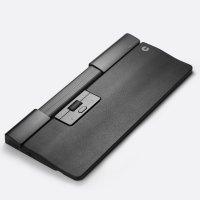
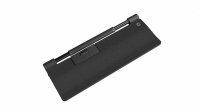
Position your mouse close to your keyboard to minimize reaching and reduce strain on the shoulder, elbow, and wrist. A keyboard tray with enough space for both the keyboard and mouse—or a dedicated mouse platform—can help maintain a comfortable working posture.
Whether you're looking for a vertical mouse to reduce forearm pronation, a trackball to minimize arm movement, or a left-handed model to support dual mousing, ErgoDirect offers ergonomic computer mice designed to fit different hand sizes, grip styles, and work environments. Explore our selection to find the mouse that best supports your comfort and productivity.